

type and a content. This page shows, for WhatsApp, what each type looks like for your contact and the exact message object to send, with POST /conversations or POST /conversations/{id}/messages.
Except templates, these messages are only delivered within the 24-hour window opened by the contact’s last message.
Text
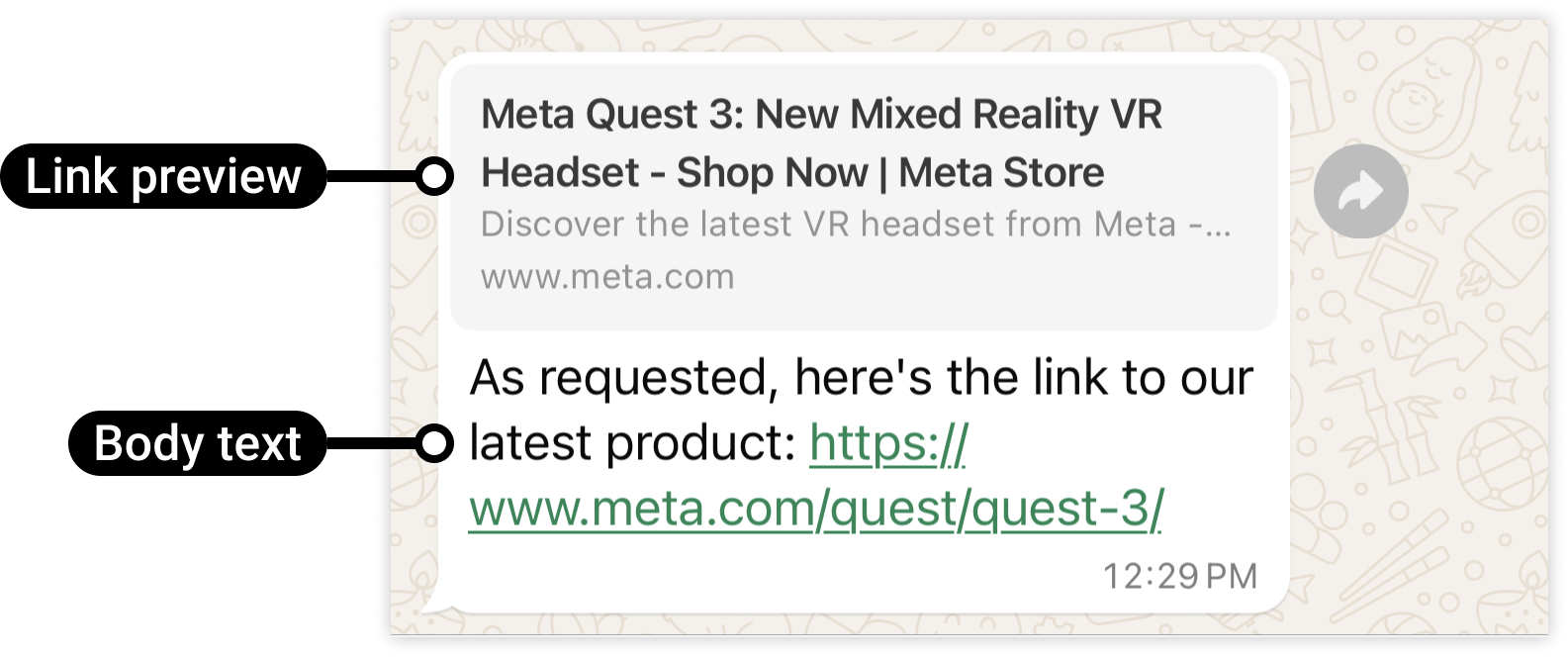
A text of up to 4,096 characters. When the text contains a URL starting withhttp:// or https://, WhatsApp shows a preview of the first one, or a clickable link when no preview is available.
Reply buttons
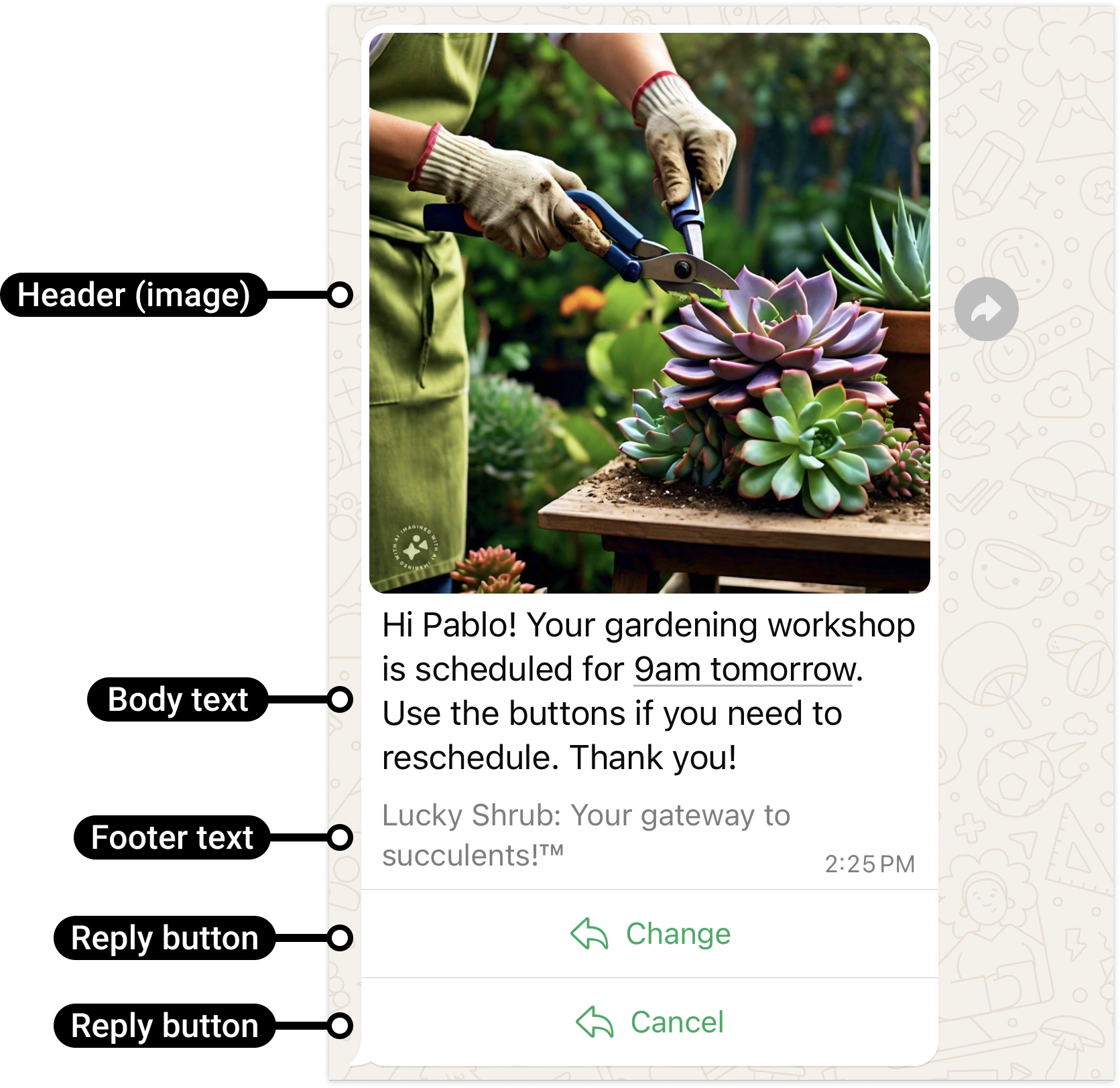
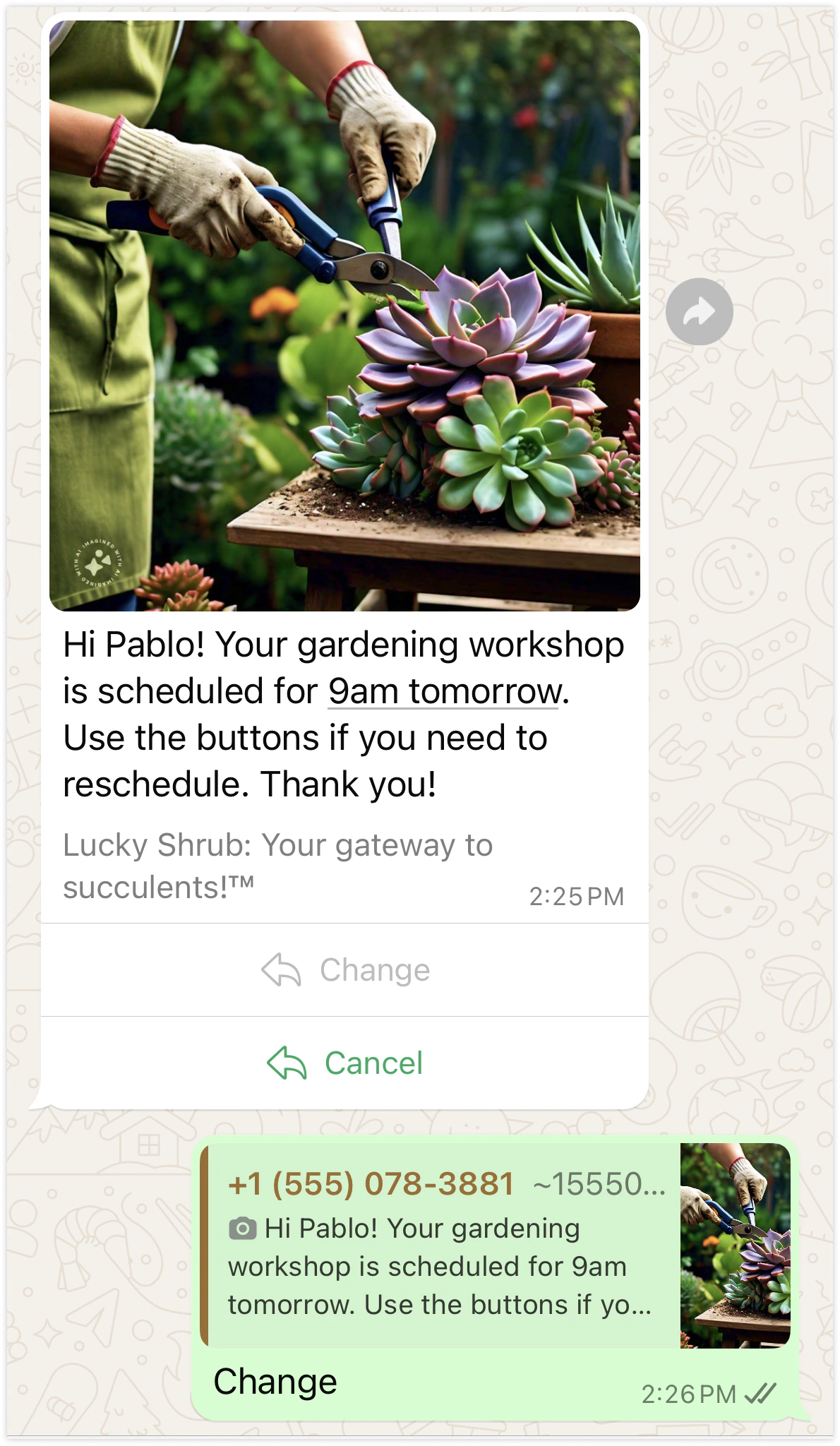
Up to three buttons the contact taps to answer. Each button has anid (up to 256 characters, returned to you when the contact taps it) and a title (up to 20 characters).
message.received webhook.
Call-to-action link
One button that opens a URL: a payment page, a tracking page, a form.Media
Images, videos, documents and voice or audio files, from a public URL Shortext downloads.Template
The only message you can send outside the 24-hour window: an approved model, with its header, its variables and its buttons. Give the value of its dynamic buttons incontent.buttons ({ "0": "A-1042" }) and, for an authentication template, the code in content.code. See Send a WhatsApp template.
WhatsApp Flow
Opens a WhatsApp Flow you built in Meta Business Manager: a multi-screen form (booking, sign-up, survey) inside WhatsApp.Payment request
Asks the contact to pay an amount. You give the amount; Shortext creates the payment link and sends a message with a Pay button leading to its secure payment page.
The button reads “Pay ”. Without a header, Shortext adds an image header with the order reference. Do not send
display_text or url: Shortext builds the button.
Carousel
Several cards the contact swipes, each with an image or a video, a text and a link button.content.action is passed to WhatsApp as is: use the action object of Meta’s interactive carousel message.
image or video and a body text of up to 160 characters.